
All membership fee invoices at once
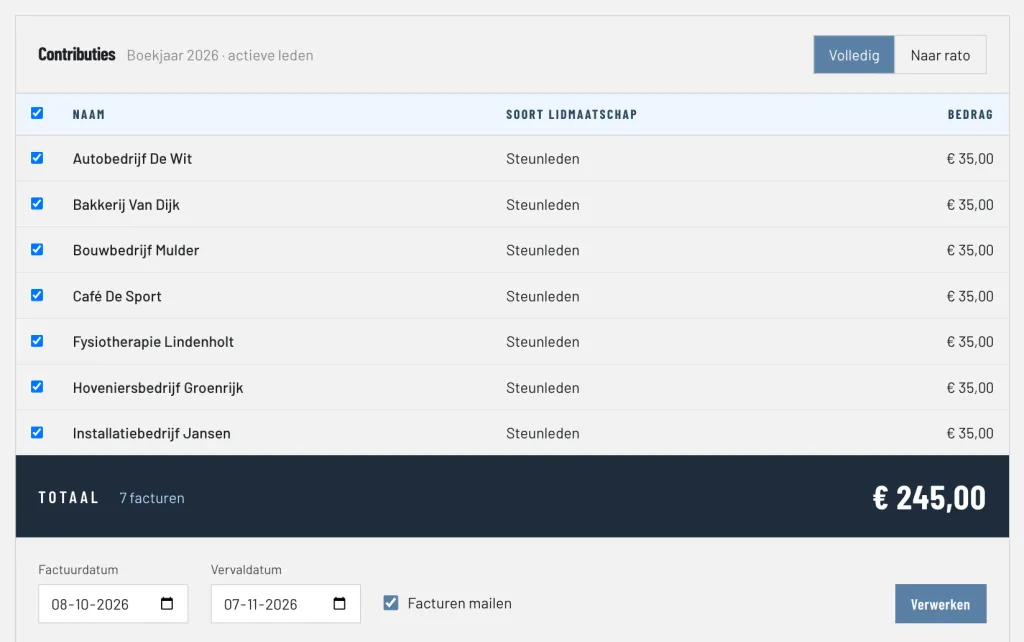
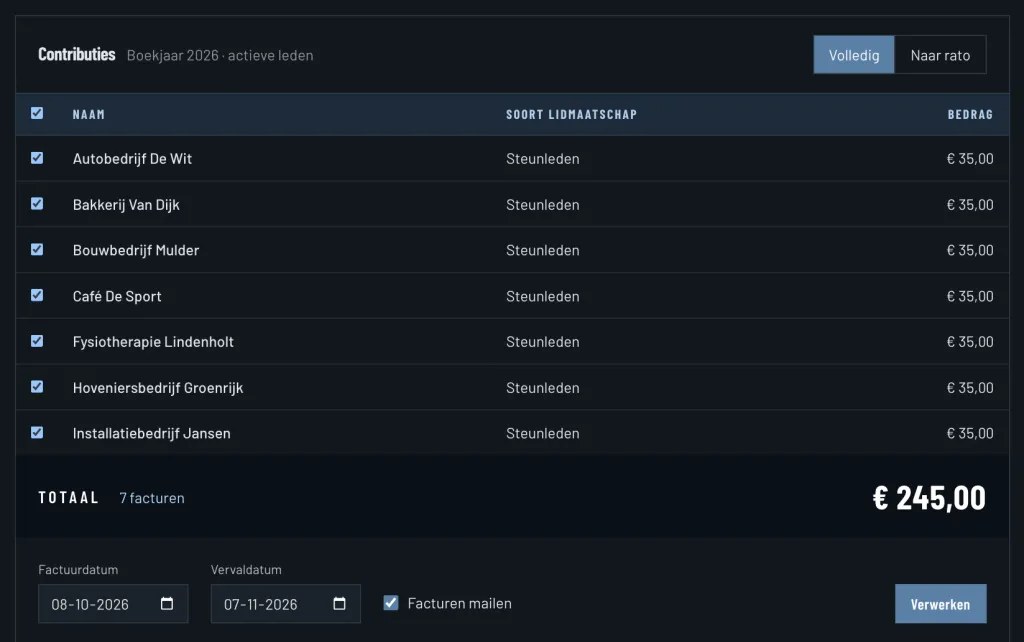
Under Collect membership fees you see all active members who have not yet received a membership fee invoice in the financial year, with the amount they owe. That amount comes from their kind of membership. You tick who you want to invoice, choose the invoice date and the due date, and process everything with one click. Every member gets their own invoice with a unique invoice number.
Full or pro rata
For each collection you choose how the fee is calculated:
- Full: every member pays the whole annual fee of their kind of membership.
- Pro rata: someone who is not a member for the whole financial year only pays for the days they are a member. If someone switches to another kind of membership halfway, both periods appear on the invoice.
Members who join later in the year are simply invoiced in a next collection: anyone who already has a membership fee invoice no longer appears in the list.
Invoices by email, with a PDF
Invoices go to the member by email, with the invoice attached as a PDF. The invoice shows the details of your club, the IBAN and the payment term you set yourself. For company members the invoice goes to their own invoice address. Every PDF is archived once when it is created, so you can always see exactly what the member received.
Reminders for overdue invoices
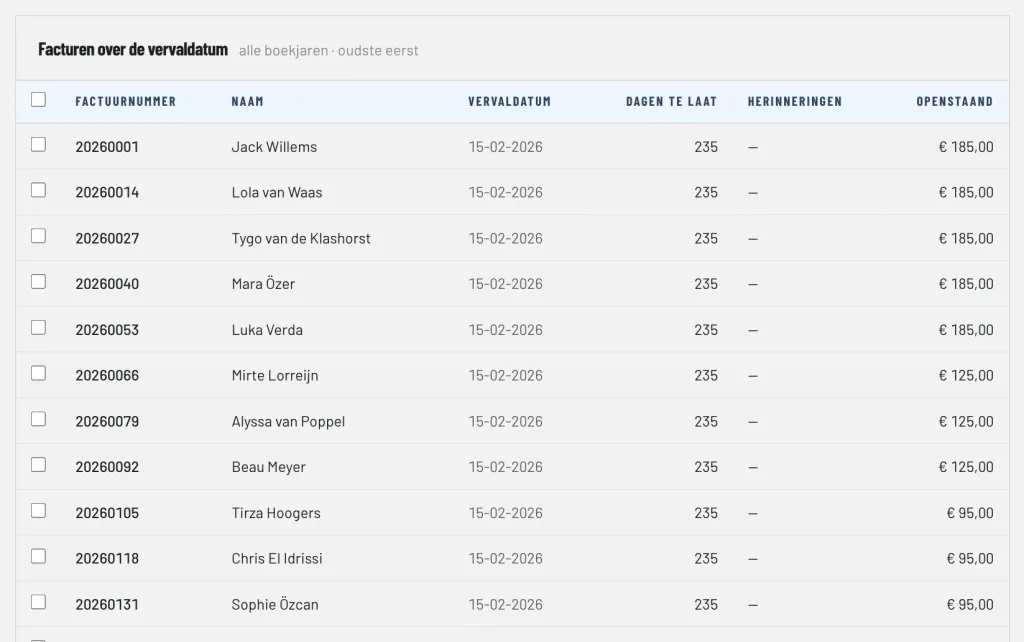
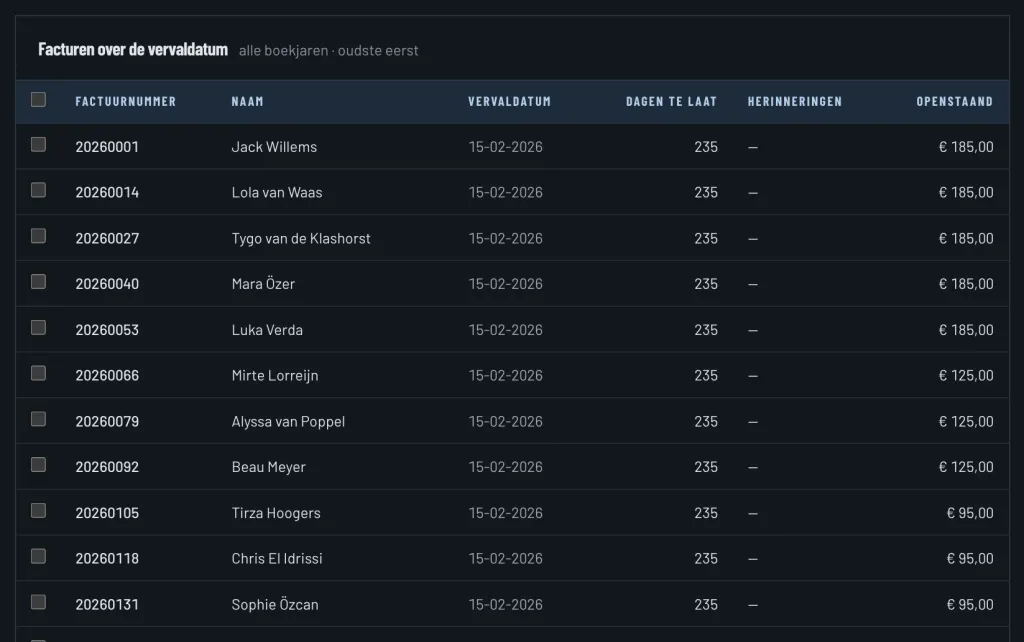
The Reminders overview shows every invoice whose due date has passed, grouped by how late it is: 1 to 30 days, 31 to 60, 61 to 90 and more than 90 days. You select the invoices and send a reminder with the invoice as a PDF in one go. ClubBalans keeps track of how many reminders were sent per invoice.
Recurring invoices
For amounts that keep coming back, such as a monthly contribution or yearly sponsorship, you create a recurring invoice. You choose whether it is sent every month, quarter, half year or year. ClubBalans creates the invoices on time and emails them to the member.
Credit notes and credit
Once an invoice has been created, it is not changed. If something is wrong, you create a credit note from the invoice. If a member has credit, you can settle an invoice with it.
Payments matched with the right invoice
When you import the bank statement, ClubBalans looks for the invoice that belongs to every payment received, for example through the invoice number in the description. You check the suggestion and save it; the invoice is then paid. Read more under bank and cash.
Optional: payment requests and direct debit
Want to make it even easier for members? You can optionally work with payment requests, so members pay online straight away, or collect membership fees by direct debit. This runs through our partner SitePack Payments. Transaction costs apply for these payments, on top of the price per member. You find the rates at SitePack Payments; more about our own price is on the pricing page.