
Import bank statements
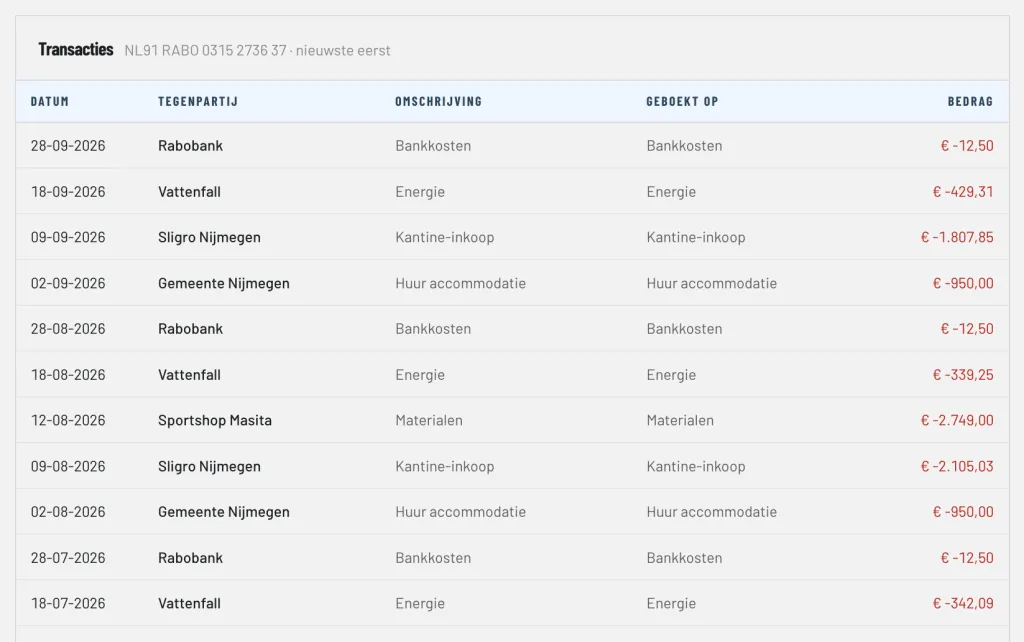
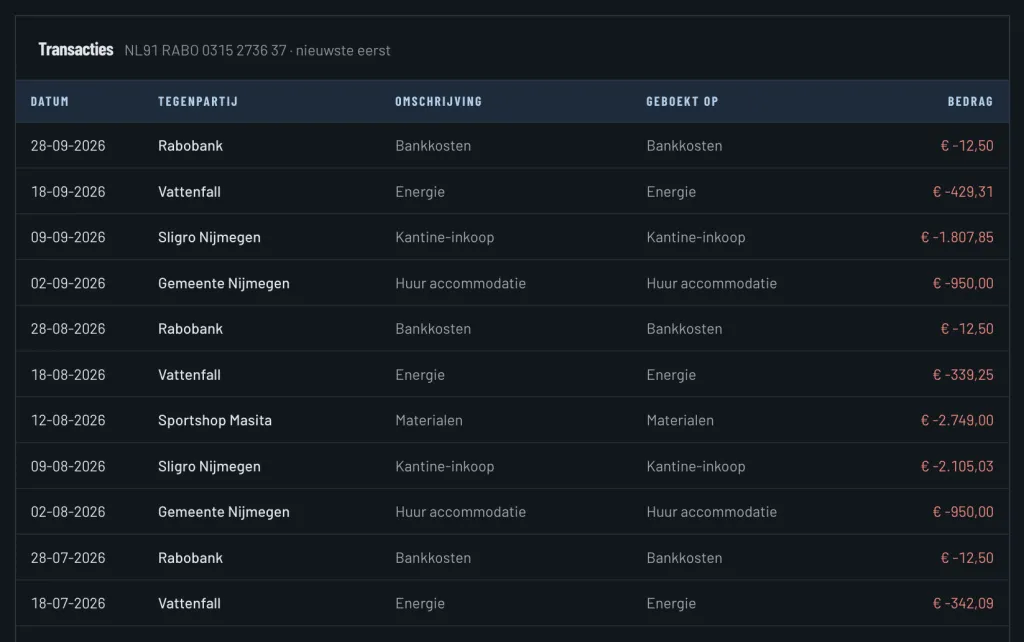
Download the statement in your online banking as an MT940 or CAMT.053 file and upload it in ClubBalans. The statement is linked to the right account by its IBAN. Transactions you imported before are skipped, also when periods overlap. You can safely import a statement every month without checking where the previous one ended.
Smart suggestions for every transaction
Every imported transaction is ready to be processed. ClubBalans makes a suggestion:
- for money received, the open invoice whose number is in the description;
- for a payment, the open incoming invoice of the supplier with that IBAN;
- otherwise the invoice with exactly this amount and the name of the counterparty;
- and otherwise the category you booked the previous transaction of the same counterparty on.
You check the suggestion and save it. If a payment covers several invoices or categories, you split the amount over several lines.
Current and savings accounts
You record all accounts of your club, both current accounts and savings accounts. Every account has its own category on the balance sheet, so you see the balance per account and in total.
Incoming invoices from suppliers
Bills your club receives are recorded as incoming invoices with the supplier, with the PDF or a photo attached. You see what still has to be paid, and later link the payment to the invoice as soon as it appears on the bank statement.
A cash book for every register
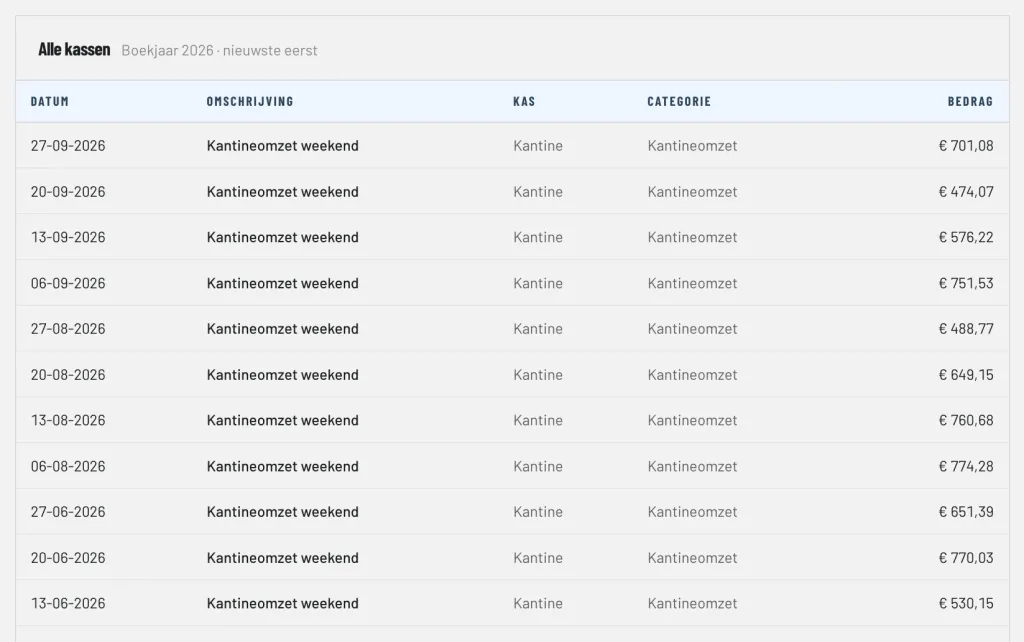
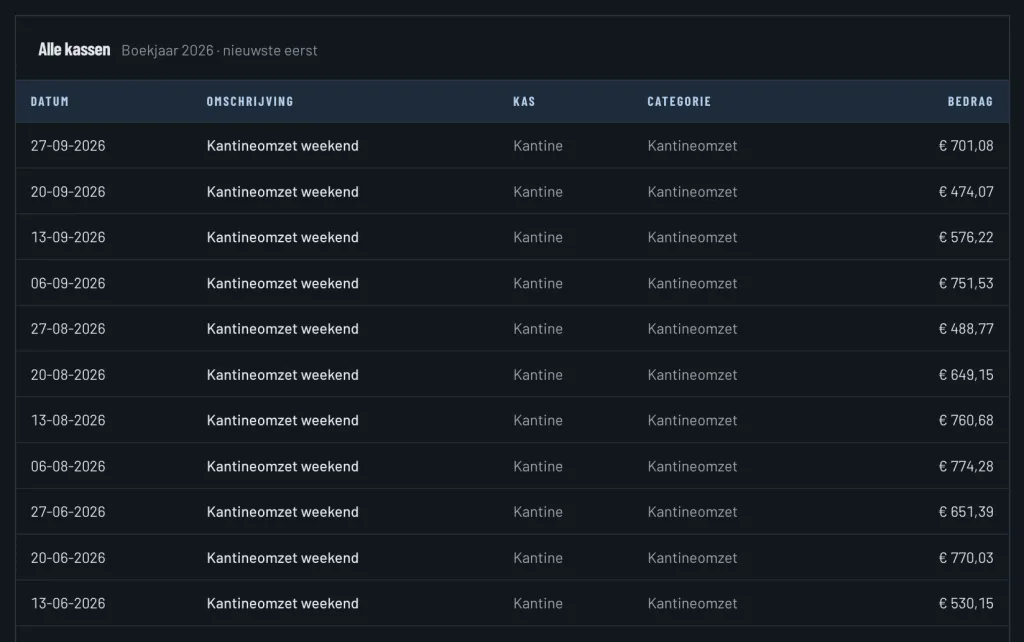
If your club handles cash, for example in the canteen or at the membership desk, you create a cash register for it. You book cash income and cash expenses on categories, with a receipt attached. A deposit at the bank is booked as a transfer from the register to the bank.
Cash audit
For a cash audit you count the money in the register and enter the counted amount. ClubBalans compares it with the balance in the books and books any difference on Cash differences. The counts also go into the package for the audit committee.