

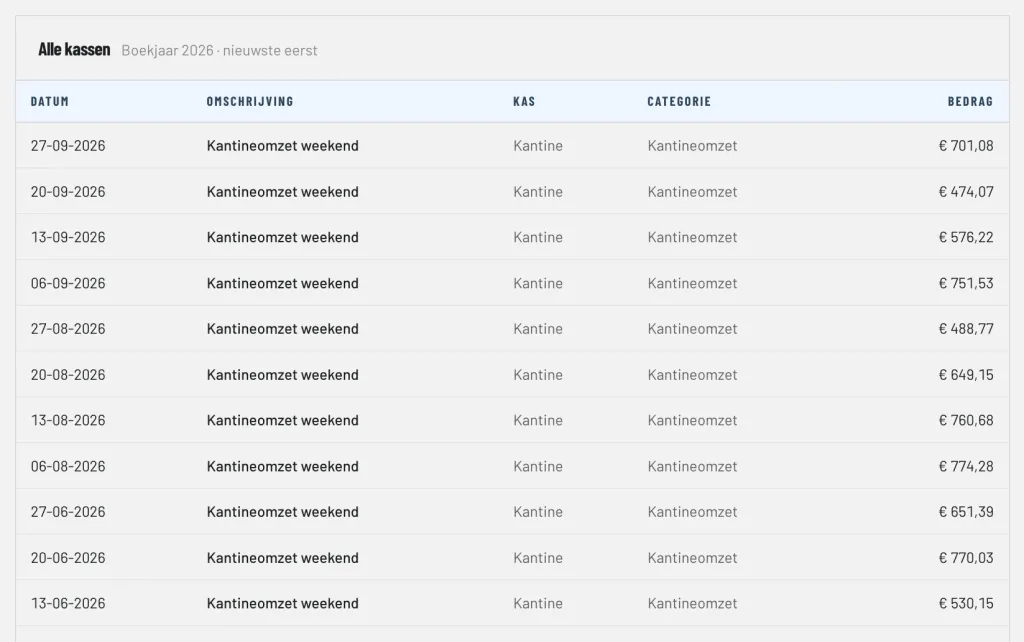
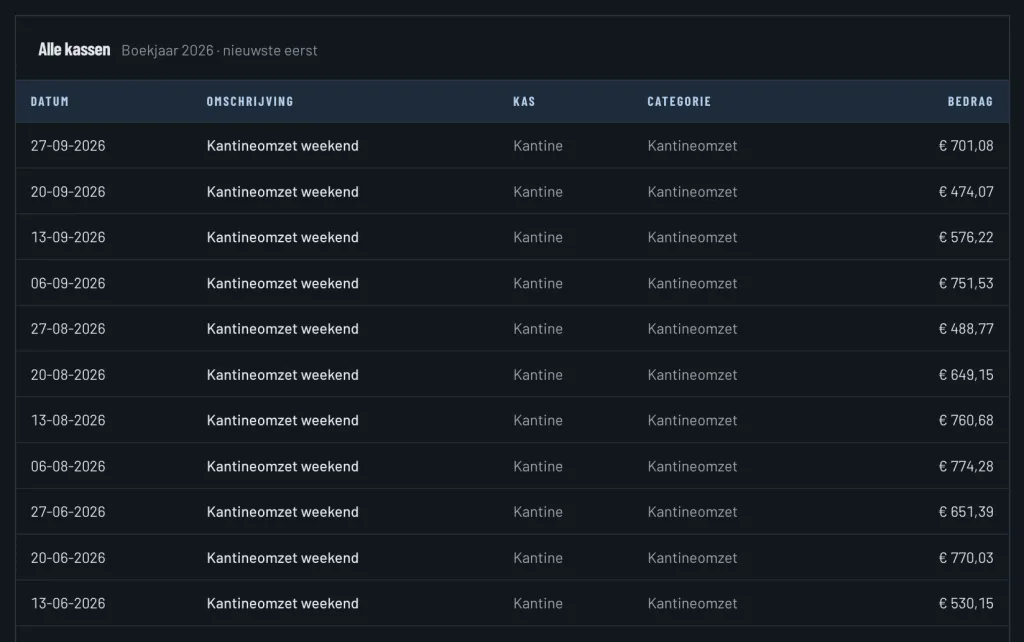
Canteen revenue in the cash book
You book the cash takings of the canteen in the cash book of the canteen register, for example per match day or per weekend. Every receipt is booked on Canteen revenue or on subcategories such as drinks and food. When you take the money to the bank, you book a deposit from the register to the bank. Read more about cash registers and cash audits under bank and cash.
Credit: paying in advance for the bar
Many clubs work with credit or a punch card. In ClubBalans every member who may have credit has their own credit account:
- Top up: a member deposits cash in a register, and that amount is added to their credit.
- Spend: when they order, you deduct the amount from the credit. You split the bill over categories, such as drinks and food, without money going through the register.
- Settle: you can pay an invoice of the member with their credit, and put an overpayment (after a credit note) on the credit.
Credit can never drop below zero. In the settings you decide whether private members, company members or both may have credit. The balance sheet shows the total of all credit as a debt of the club to its members.
Stock in the bar and the canteen
For every kind of stock, for example beer, soft drinks or sweets, you record the cost price and the sales price. Purchases are booked on the stock, so they appear on the balance sheet instead of directly as costs. That gives a fair picture of what the canteen really earns.
Stock counts with the margin in view
For a stock count you count what is there, simply at the sales prices of the price list. ClubBalans converts the count to cost and books:
- the revenue since the previous count, converted to cost, as Cost of sales;
- and the remaining difference as Stock differences: what is gone without showing up in the revenue.
You see not only how much the canteen took in, but also the margin and whether stock disappears. Counts follow each other; only the latest can be deleted if you made a mistake.
Ready for the end of the year
At year-end closing ClubBalans warns you if there is stock with a value that was not counted in the last days of the financial year, so the stock is correct in the annual accounts.