

Invite users
You invite board members and volunteers with their email address. They receive an invitation, choose their own password and can get started right away. The number of users is unlimited.
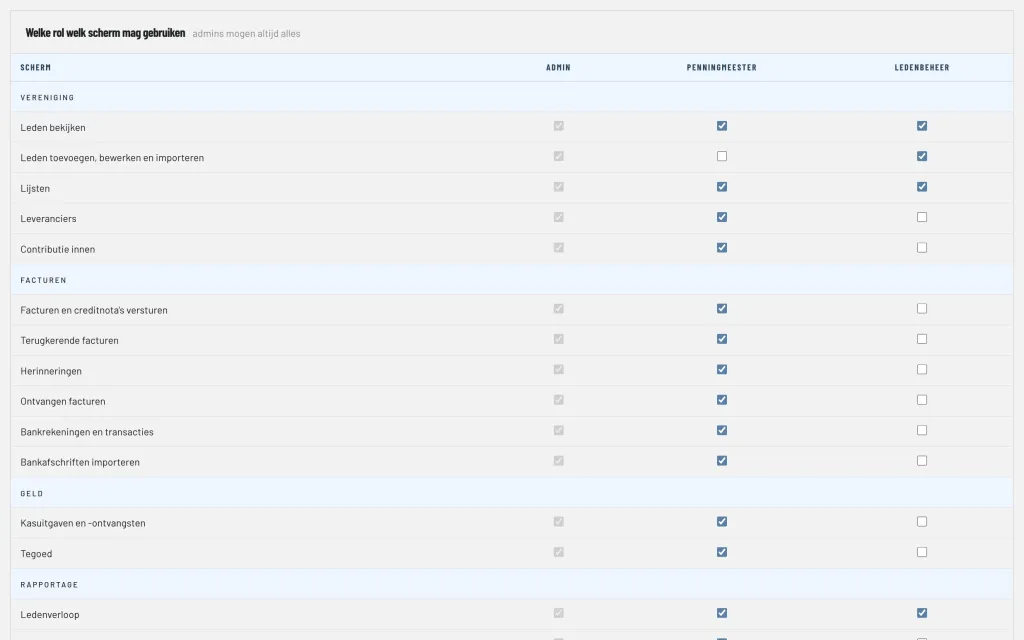
Roles and permissions per screen
Every user has a role. ClubBalans starts with three roles:
- Administrator: may do everything, including managing users, roles and the subscription.
- Treasurer: invoices, bank, cash, bookkeeping and reports.
- Member administration: view, add, edit and import members, and the lists.
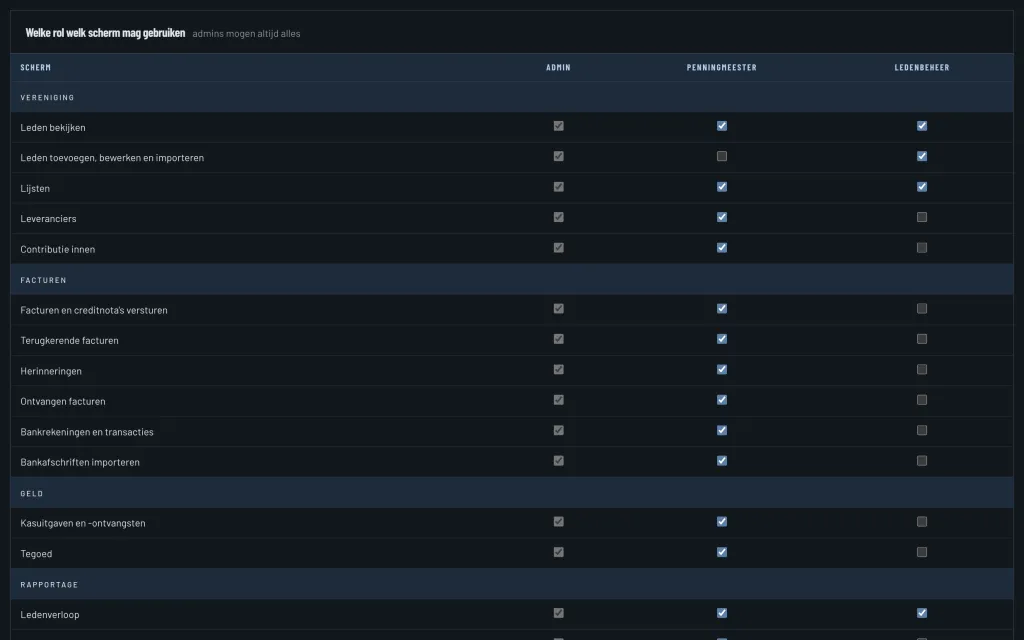
You also create your own roles, for example for the audit committee or a canteen manager. In a clear table you tick per screen which role may use it. Menu items and buttons someone may not use are not shown to them either.
Logging in with two steps
A password alone is not enough for the financial data of your club. After the password, ClubBalans asks for a second step:
- a code from an authenticator app, such as Google Authenticator or Microsoft Authenticator, which you link with a QR code;
- or, without an app, a code by email that is valid for 10 minutes.
A browser in which you passed the second step is trusted for 7 days. Forgot your password? You set a new one through a link by email.
A log of every change
Every change to the data of your club is recorded: which user, when, which record, which field, and the old and new value. Nobody can change or delete the change log. Useful when questions come up, and indispensable when handing over to a new board.
A separate database per club
Every club has its own, isolated database and its own address, such as yourclub.clubbalans.nl. Connections are encrypted and passwords are only stored in hashed form. How we handle data is explained in our privacy statement.