Two kinds, each in its own place
Clubs mean two things by setting money aside, and ClubBalans knows both:
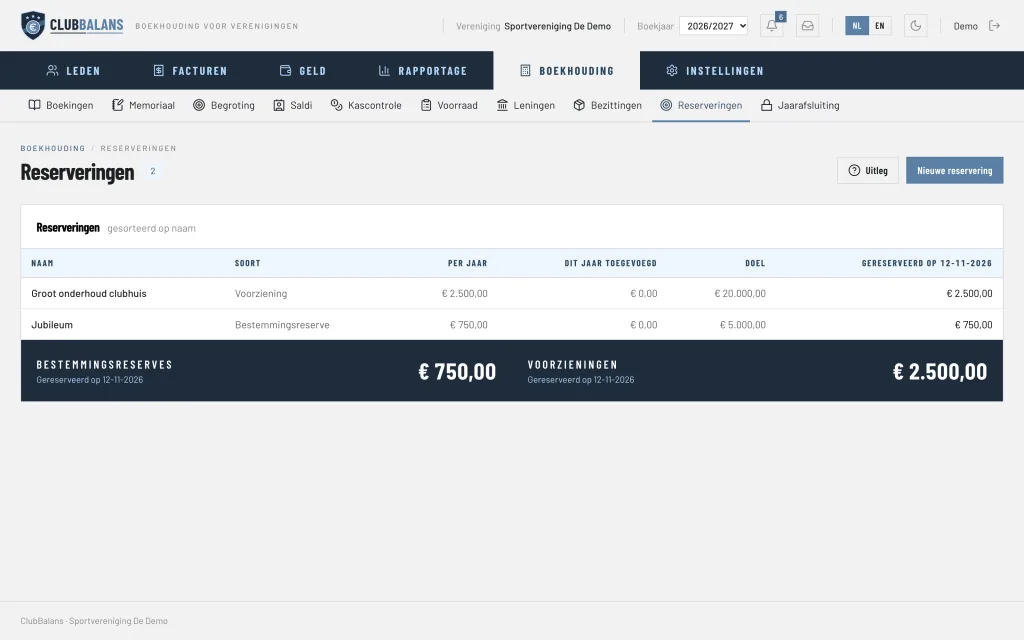
- Designated reserve: a part of the equity with a purpose, such as an anniversary or a new clubhouse. Adding to it moves equity and does not change the result of the year.
- Provision: for costs you know will come, such as major maintenance. Adding to it is a cost of the year, so one expensive year does not distort the result.
You choose the kind when you add it, and ClubBalans puts the reserve in the right place on the balance sheet: under equity or under provisions.
A target and an amount per year
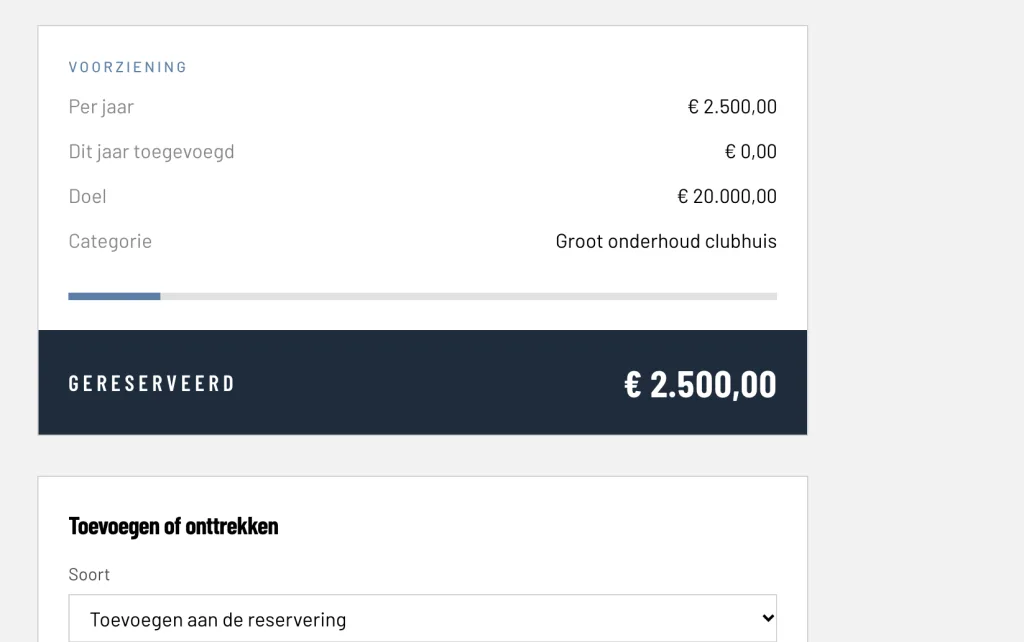
For every reserve you can enter a target and an amount per year. The overview shows what was added this year, how far you are and what is set aside in total, separately for designated reserves and provisions.
Add and withdraw on one screen
On the page of a reserve you book an addition or a withdrawal: amount, date and a description if you like. ClubBalans makes the right entry, you do not need to know what goes on debit and credit. All additions and withdrawals are listed below, and you delete a mistake while the financial year is open.
The provision pays for the maintenance
When the roof is replaced, you book the invoice of the roofer on the category of the provision, just as you would otherwise choose a cost category. The costs were already taken in the past years, so the result of this year stays calm. Is a part of the provision no longer needed? Then you release it.
Clear for the general meeting
On the balance sheet and in the annual accounts every reserve has its own name and amount. You see at a glance which part of the equity is free and which part already has a purpose. At the year-end closing ClubBalans reminds you of reserves to which less was added that year than the agreed amount.
Saving for what you have to replace
Reserves go well with fixed assets and depreciation: the depreciation schedule shows when the mower is written off, and a reserve makes sure there is money for a new one by then. Everything is booked in the same bookkeeping, so you enter nothing twice.