The example
We follow the canteen of Sportvereniging De Demo:
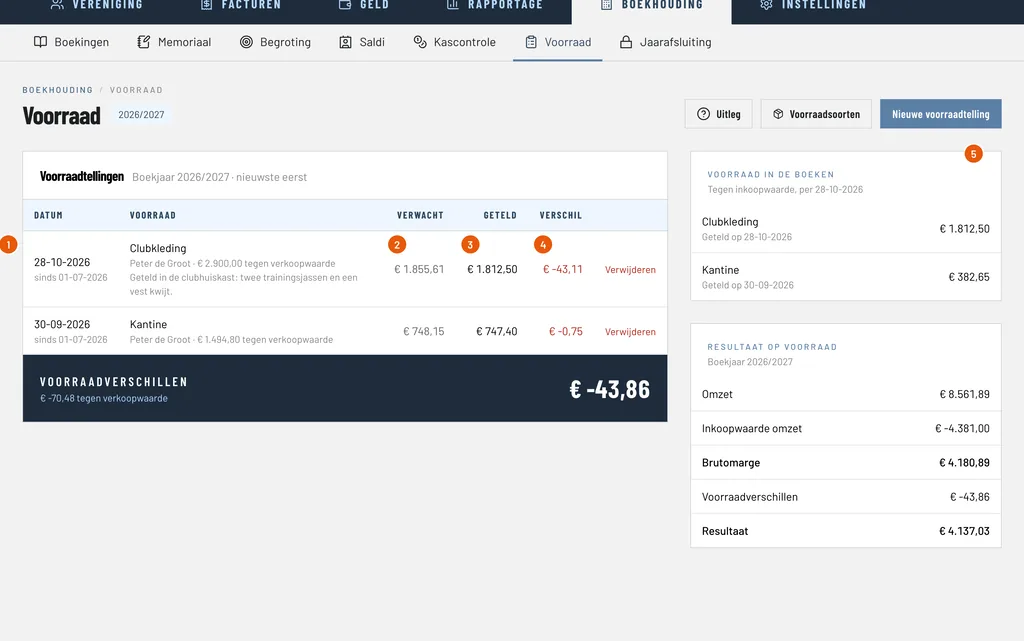
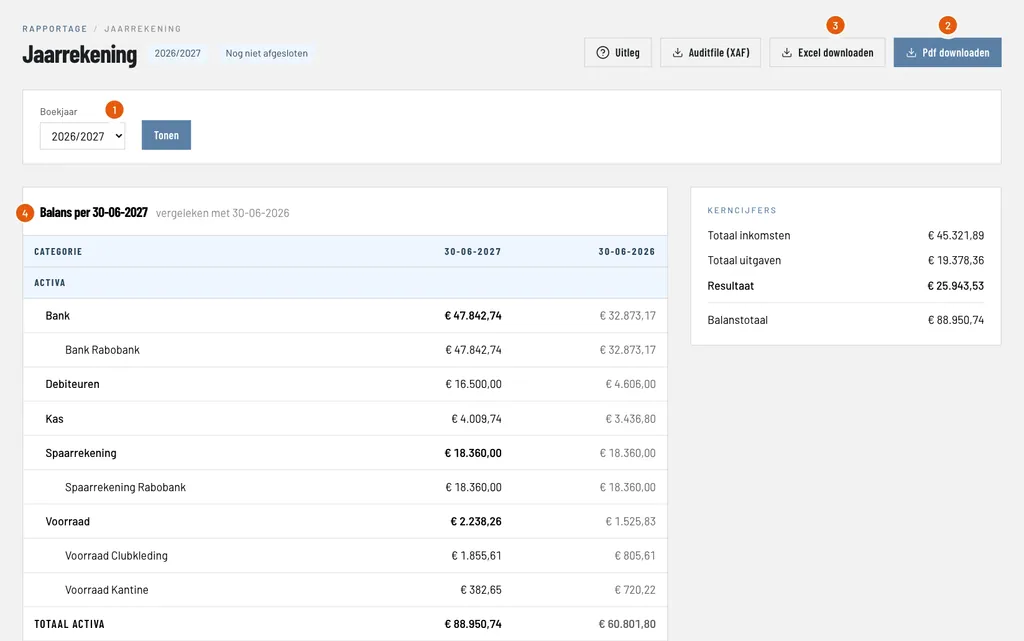
- The club buys the drinks and snacks for € 1.00 on average and sells them for € 2.00. The margin is 50%. You set that up once as a kind of stock, see keeping track of stock; the canteen in this example has already done so.
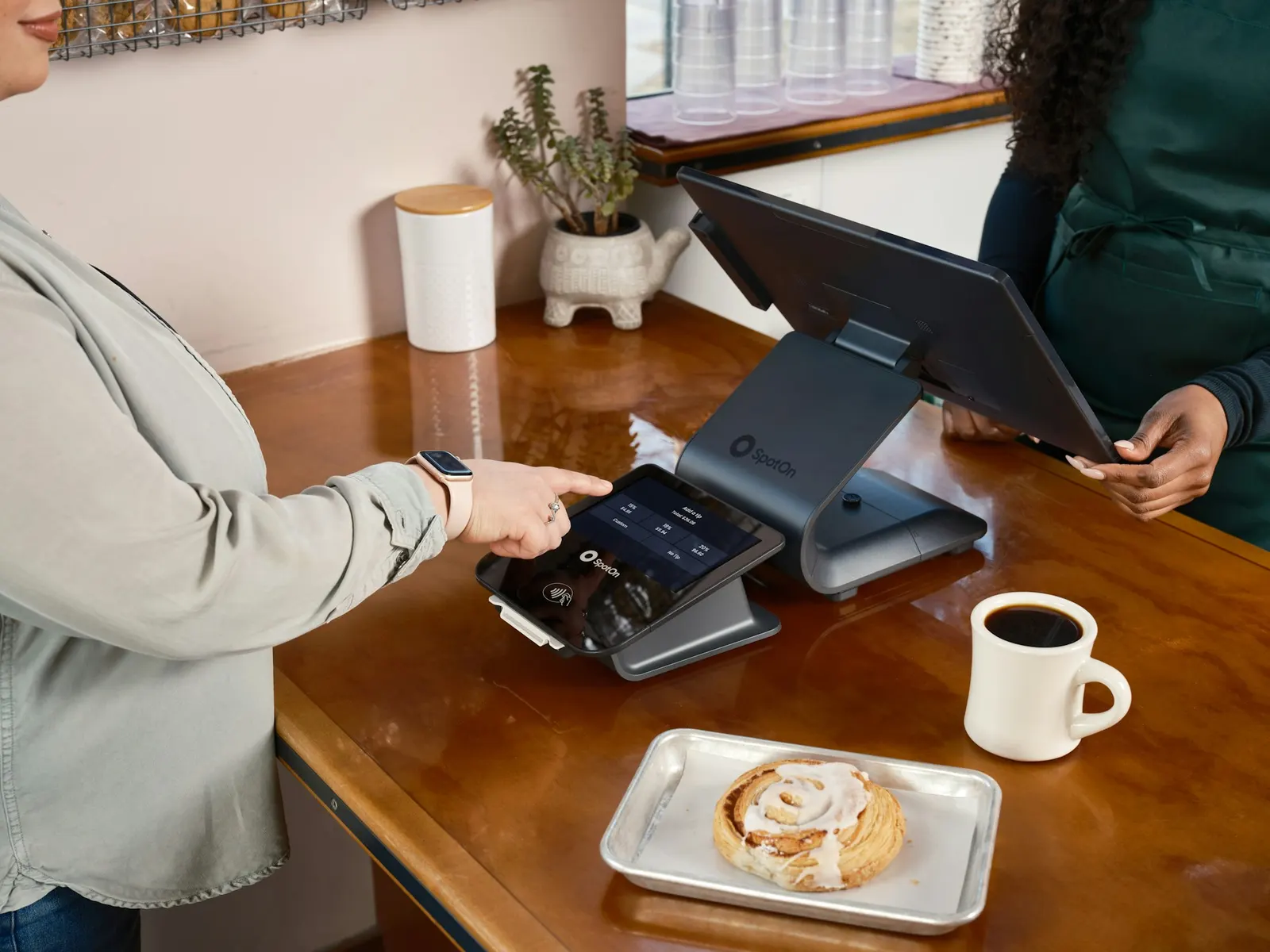
- On Saturday 24 October 2026 € 60.00 is paid by card.
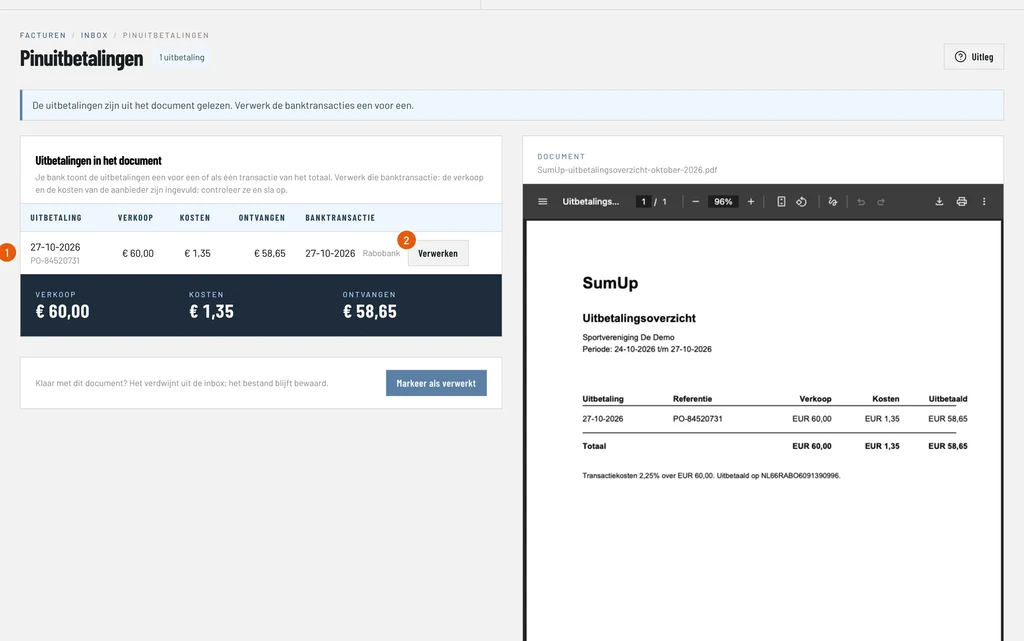
- On Tuesday 27 October the payment provider credits € 58.65 to the bank account: € 60.00 minus € 1.35 costs.
At the end you know exactly how much you sold, what the drinks cost you and what the card payments cost.
The screenshots show the Dutch interface; switch the language of ClubBalans with the NL and EN buttons at the top.
Step 1: enter the day sales
Go to Money (Geld), choose Cash (Kas), then Day sales (Dagomzet), and click New day sales. Here you enter the sales of a day or an event. You enter the card payments as one transaction with the day total of the card terminal.
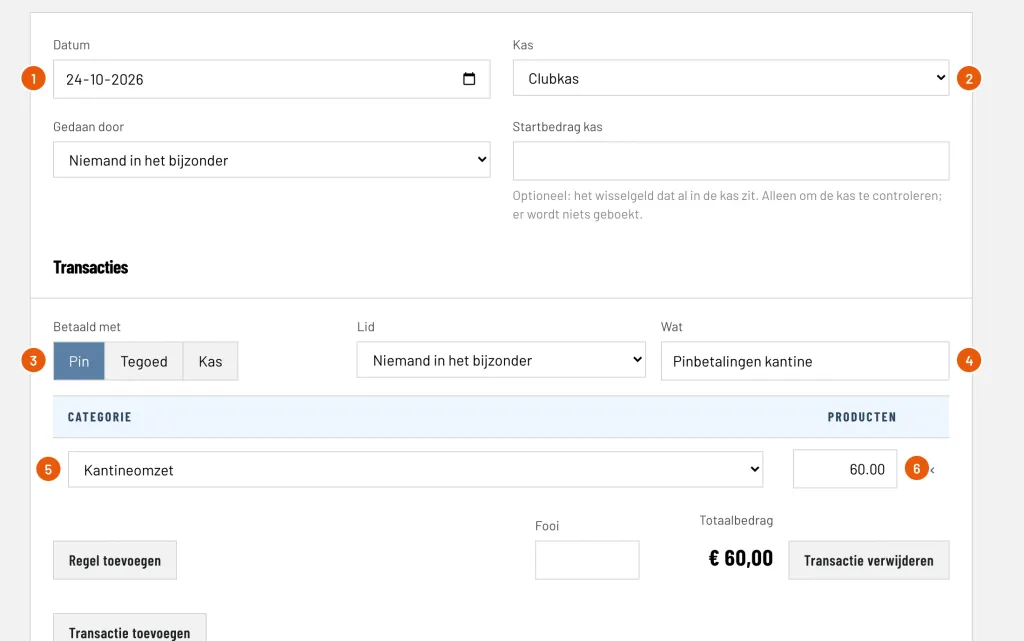
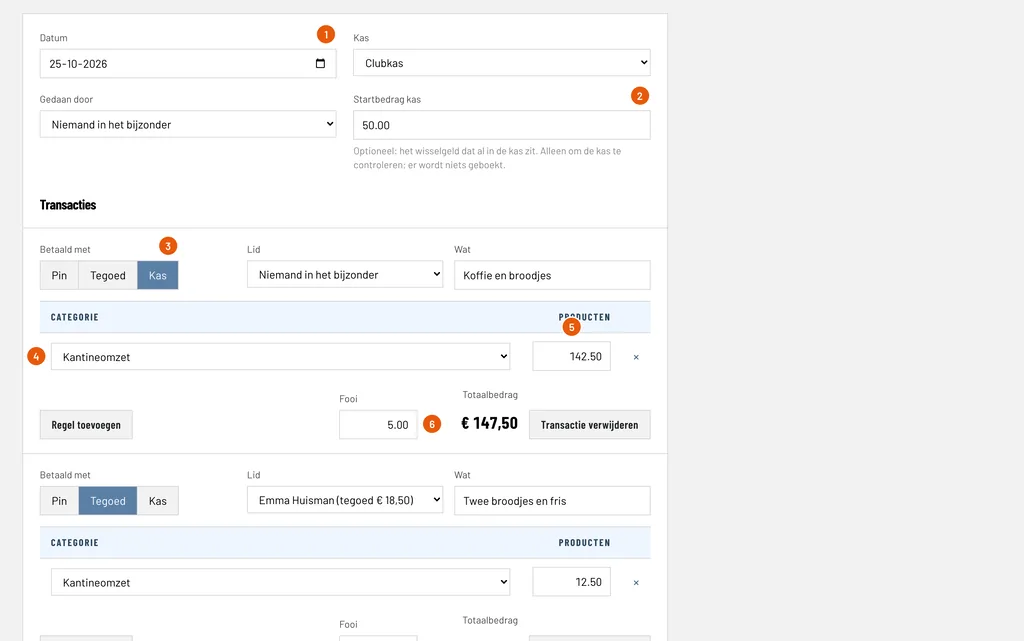
Date (Datum): the day of the sales, here 24-10-2026.
Cash register (Kas): the register this day belongs to, here Clubkas. Card payments do not go in the register, but the day does belong to one.
Paid with (Betaald met): choose Card (Pin). The other choices are Credit (Tegoed) and Cash (Kas).
What (Wat): a description for yourself, here Pinbetalingen kantine (card payments canteen).
Category (Categorie): choose the revenue category of your kind of stock, here Kantineomzet.
Products (Producten): the day total of the card payments, here € 60.00. That is the amount on the day report of your card terminal.
Step 2: check the totals and save
At the bottom of the form ClubBalans adds everything up. If you also have cash sales or sales on credit, add a transaction of their own for them with Add transaction.
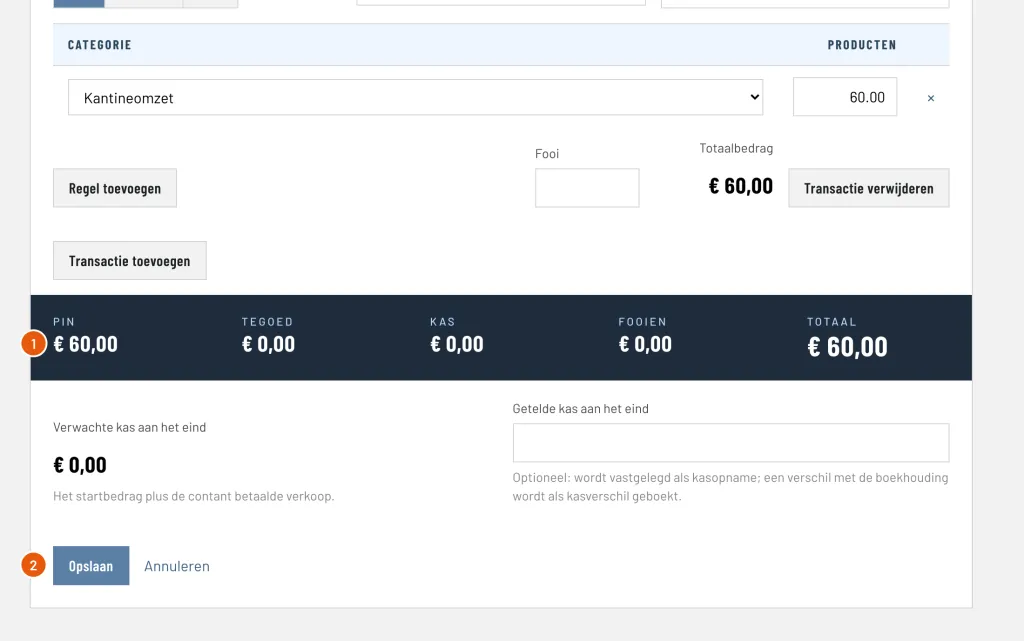
Card (Pin): the total of all card payments, here € 60.00. Compare it with the day report of your card terminal: the two must be equal.
Save (Opslaan): books the day. You return to the overview of the day sales.
You can still change or delete a day later, as long as the financial year is active. ClubBalans then replaces all the bookings of that day.
Step 3: how it appears in the bookkeeping
You do not have to book anything yourself, but it is good to see what ClubBalans does for you. Go to Accounting (Boekhouding) and choose Bookings (Boekingen). The day sales appear as one booking, with four lines.
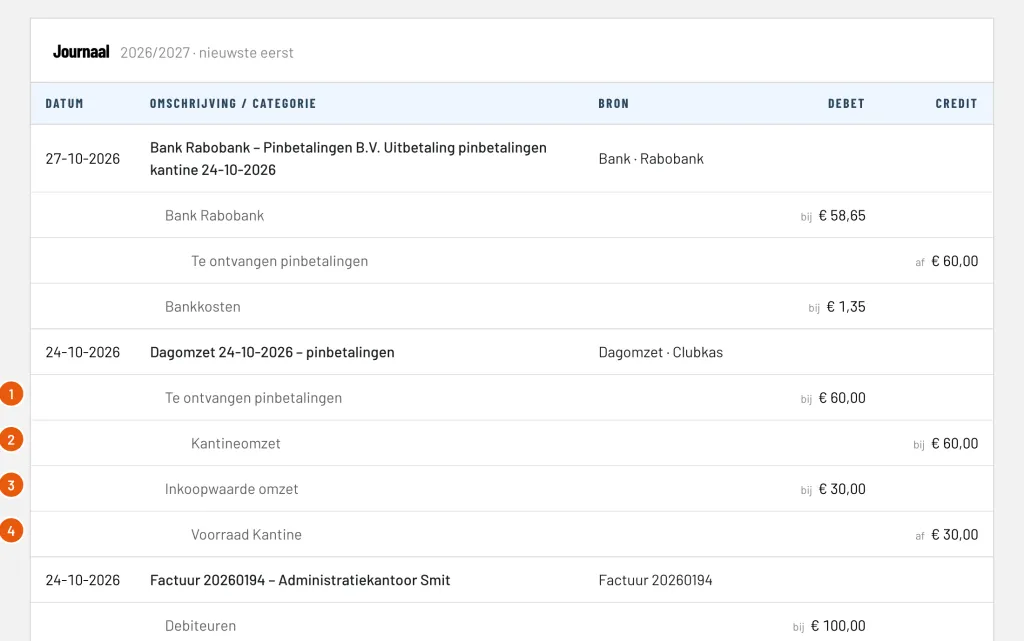
Card payments to receive (Te ontvangen pinbetalingen), debit € 60.00: the payment provider still has to pay you € 60.00. This is a receivable, not money in the bank.
Canteen revenue (Kantineomzet), credit € 60.00: the revenue of the day.
Cost of sales (Inkoopwaarde omzet), debit € 30.00: what the drinks and snacks you sold cost you: 50% of € 60.00.
Stock (Voorraad Kantine), credit € 30.00: the stock on the balance sheet shrinks accordingly.
This is the margin: € 60.00 revenue minus € 30.00 cost of sales is € 30.00 margin, exactly the 50% you set on the kind of stock. You see it in the profit and loss account, where the revenue and the cost of sales are shown separately.
Step 4: process the payout of the payment provider
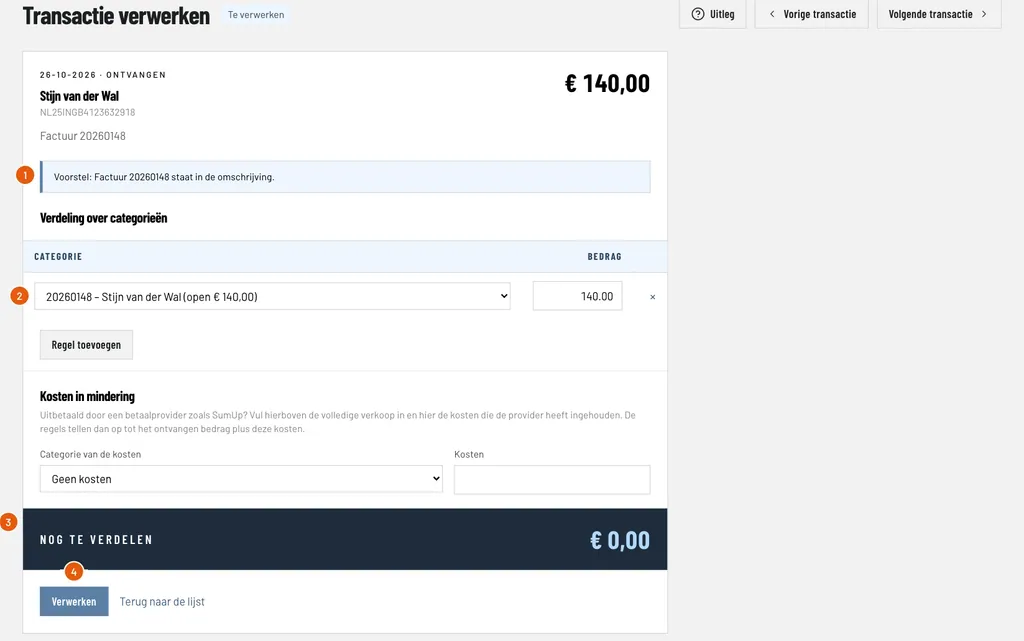
A few days later the payout is on your bank statement. Download the statement from your bank and read it in via Money (Geld), Bank and Import (Importeren). Then choose Account (Rekening), find the payout and click Process (Verwerken).
The payment provider deducts its costs, so you receive € 58.65 while you sold € 60.00. Enter the full sales and the costs separately:
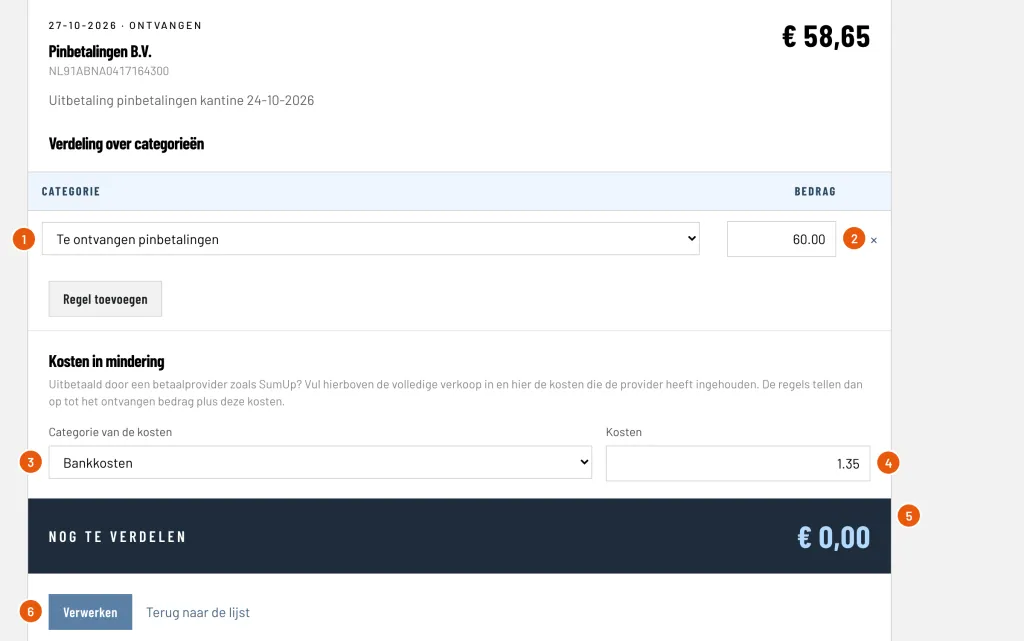
Category (Categorie): choose Card payments to receive. That clears the receivable of step 3.
Amount (Bedrag): the full sales, here € 60.00, so not the amount that was paid out.
Category of the costs (Categorie van de kosten): choose Bank costs (Bankkosten), or a category of your own for card costs.
Costs (Kosten): what the provider deducted, here € 1.35.
Still to distribute (Nog te verdelen): must be € 0.00. That is correct when € 60.00 equals the amount received of € 58.65 plus the costs of € 1.35.
Process (Verwerken): books the payout.
Step 5: check the result
Look at the bookings under Accounting and Bookings once more. The payout is now there, at the top.
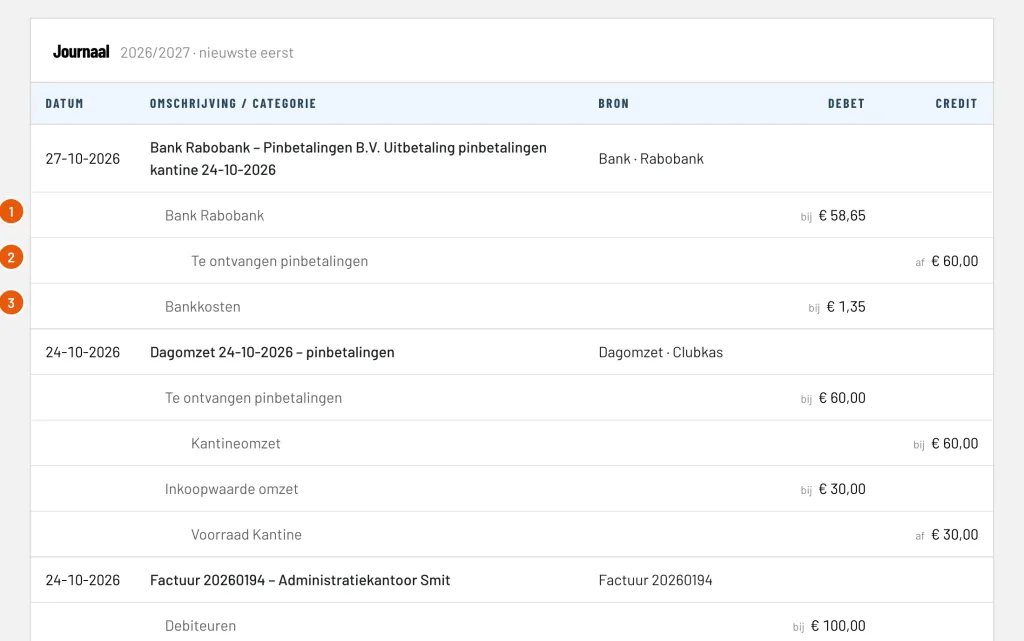
Bank Rabobank, debit € 58.65: the money that actually arrived on your account.
Card payments to receive, credit € 60.00: the receivable is cleared. The balance of this category is zero again, as long as all card payments have been paid out.
Bank costs, debit € 1.35: the costs of the payment provider.
This is how it turns out for the card payments of this Saturday:
| Canteen revenue | € 60.00 |
| Cost of sales | − € 30.00 |
| Margin (50%) | € 30.00 |
|---|---|
| Costs of the payment provider | − € 1.35 |
| Result after card costs | € 28.65 |
Good to know
- If the balance of Card payments to receive is not zero, there are sales that have not been paid out yet, or a payout you have not processed yet.
- Do you also want to enter cash sales and sales with credit of members on the same day? That works in the same form.
- You can read more about the canteen, stock and counts at canteen, credit and stock, and about processing statements at bank and cash.