Step 1: start with the day and the cash sales
Go to Money (Geld), choose Cash (Kas), then Day sales (Dagomzet), and click New day sales. At the top you enter the details of the day, below that the first transaction.
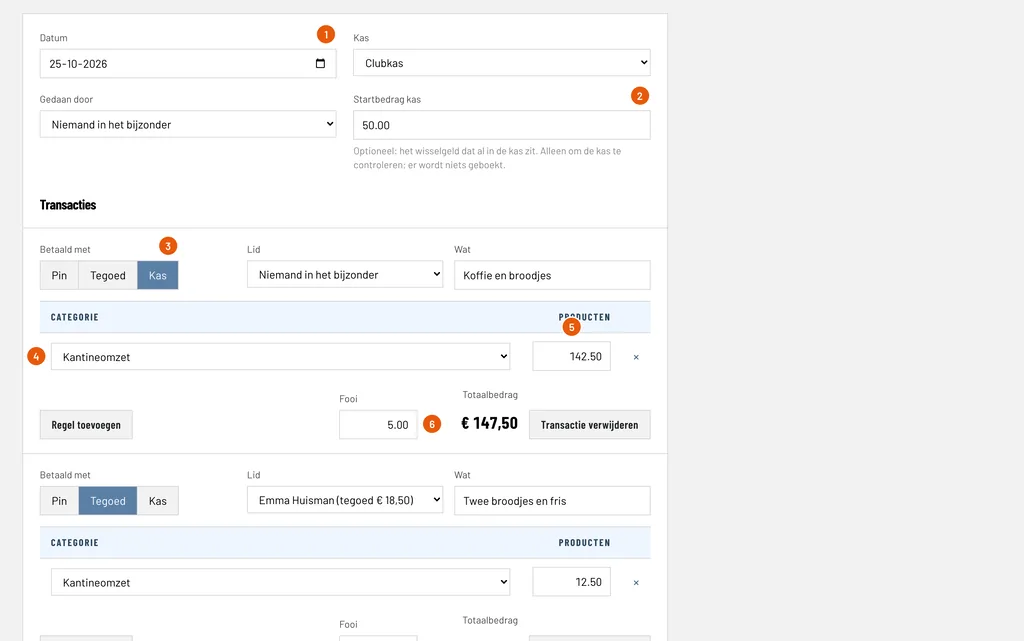
Date (Datum): the day of the sales, here 25-10-2026.
Starting cash (Startbedrag kas): the change that was already in the register, here € 50.00. Optional and only to check the register later: nothing is booked with it.
Paid with (Betaald met): choose Cash (Kas) for all sales paid in cash. The other choices are Card (Pin) and Credit (Tegoed).
Category (Categorie): what the revenue falls under, here Canteen revenue (Kantineomzet). If you also sell something else, such as club clothing, add a line with that category.
Products (Producten): the amount of this sale, here € 142.50. The cash of the whole day is one transaction.
Tip (Fooi): optional. A tip is not revenue and is booked separately on Tips, here € 5.00. The tip is in the register though.
Step 2: add the sales from credit and the card payments
Click Add transaction (Transactie toevoegen) for every other way of paying.
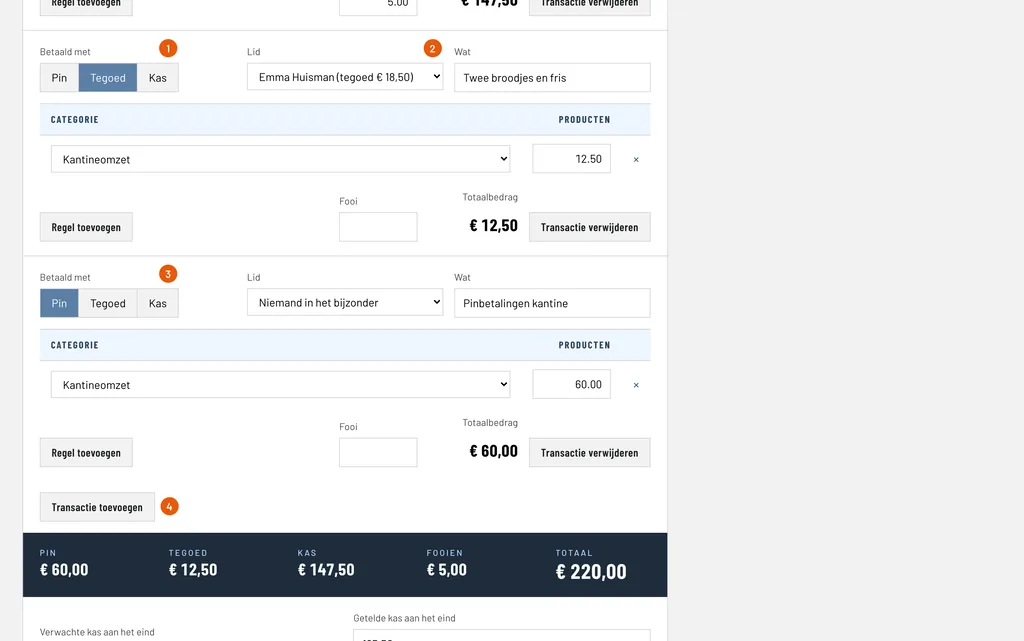
Credit (Tegoed): the sale is paid from the credit of a member. You enter this per member.
Member (Lid): choose the member, here Emma Huisman. Her credit is in brackets, € 18.50. The amount is deducted: € 12.50, so € 6.00 is left.
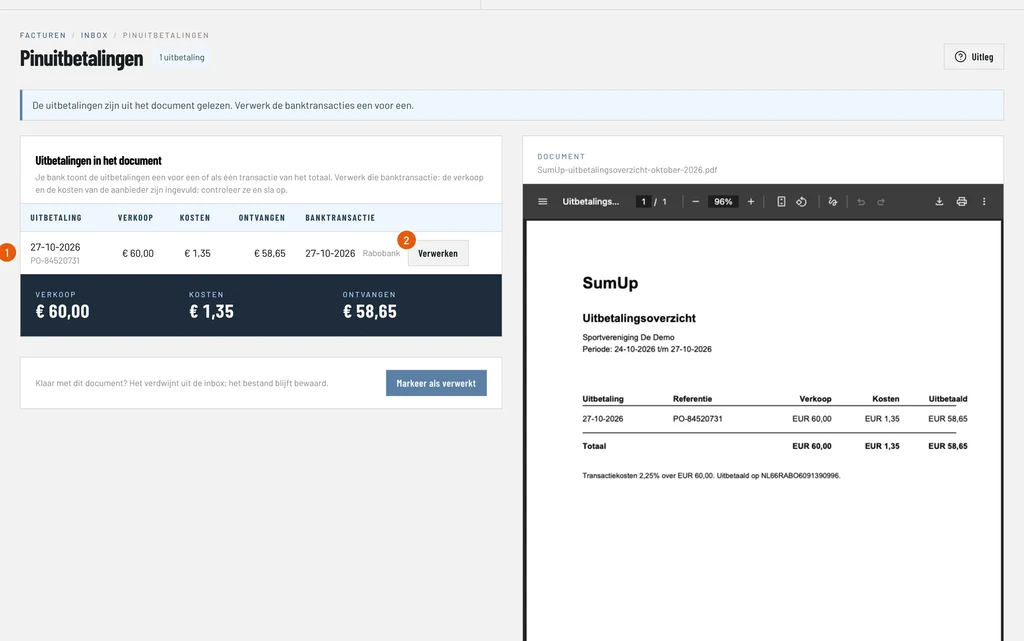
Card (Pin): the day total of the card terminal, here € 60.00. Card payments do not go into the register, but on an intermediate account until the payment provider pays out.
Add transaction: for another transaction, for example the credit of a second member.
How you book the payout of the payment provider is covered in the guide on booking card payments. Below the transactions is a dark bar with the totals of the day per kind of payment: here card € 60.00, credit € 12.50, cash € 147.50 (including the tip) and tips € 5.00.
Step 3: count the cash and save
At the end of the day, count the money in the register and enter it.
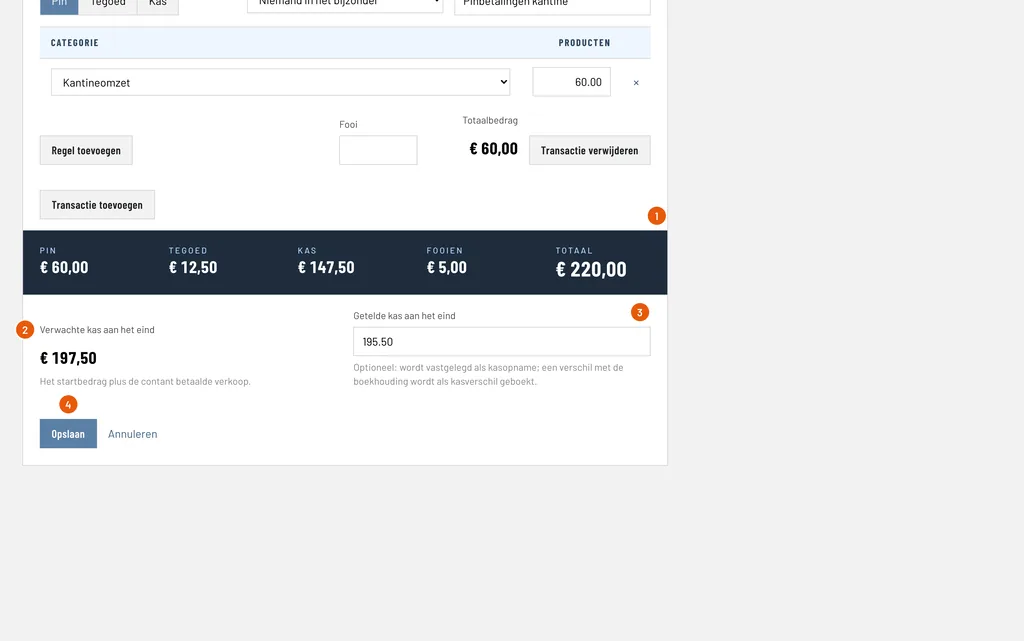
Totals: what was sold per kind of payment. The total of the day is € 220.00 here.
Expected cash (Verwachte kas): the starting cash plus the cash, here € 50.00 + € 147.50 = € 197.50.
Counted cash (Getelde kas): what you actually count in the register, here € 195.50. ClubBalans books the difference of € 2.00 as a cash difference, and the counted cash is recorded as a cash count.
Save (Opslaan): books the whole day. You return to the overview of the day sales.
Step 4: check the bookings
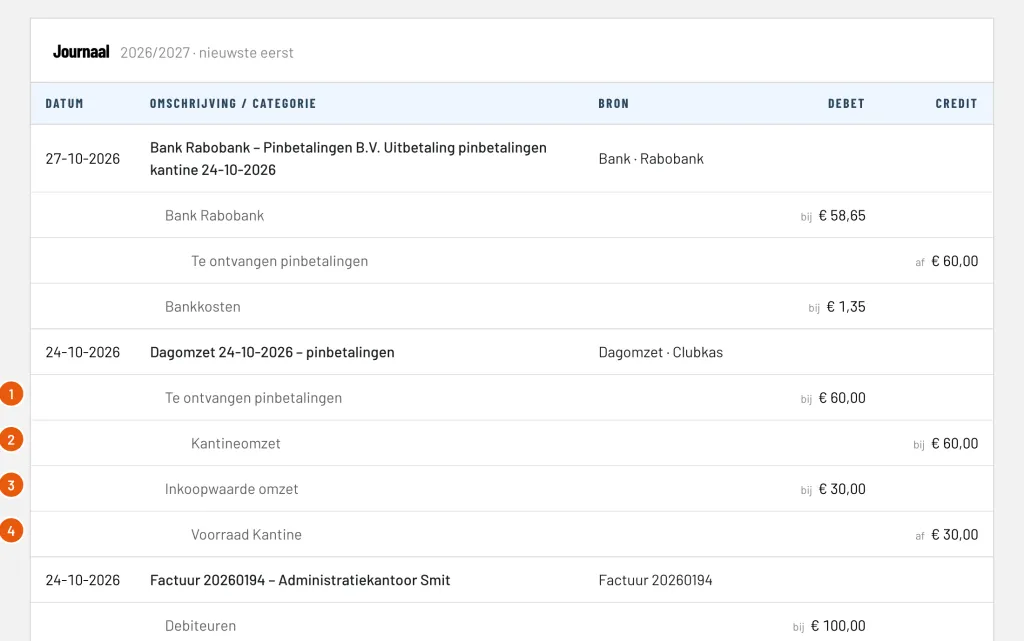
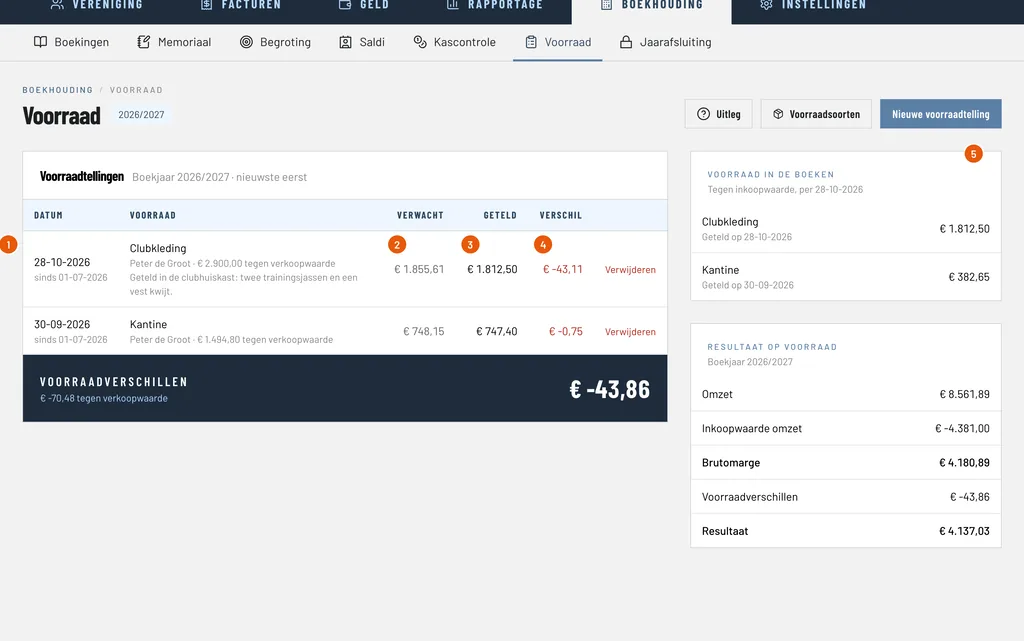
After saving, the day is in the overview of the day sales, with the amounts per kind of payment and the total. You see the bookings under Bookkeeping (Boekhouding) and Bookings (Boekingen):
- the cash sales are a receipt in the register, against the revenue;
- the sale from credit is taken off the credit of Emma, against the revenue;
- the card payments are a receivable on an intermediate account, until the payout shows on the bank statement;
- the tip is on Tips and the cash difference on Cash differences;
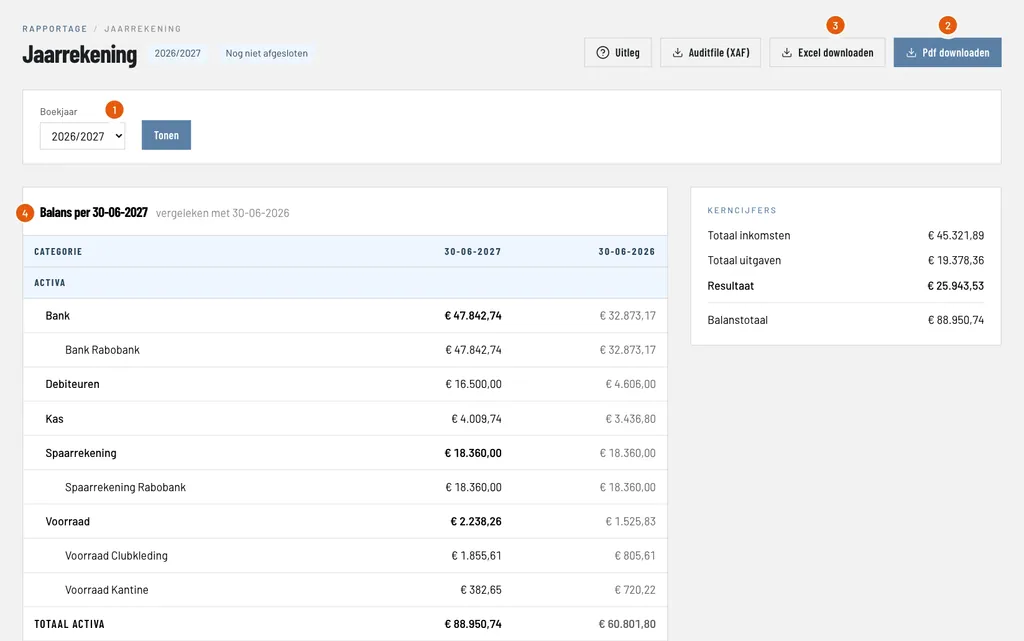
- if you set up stock for the canteen, it goes down automatically, with the purchase value as costs.
If you want to change something, open the day in the overview, change it and save. All the bookings of that day are then replaced, as long as the financial year is open.
Good to know
- A member can only pay from credit if the credit is sufficient. Topping up credit is covered in the guide on credit of members.
- Who may enter day sales is decided per role. Read more about roles and permissions.
- You find more about the canteen under canteen, credit and stock.